Does NotiKeep work with WhatsApp?
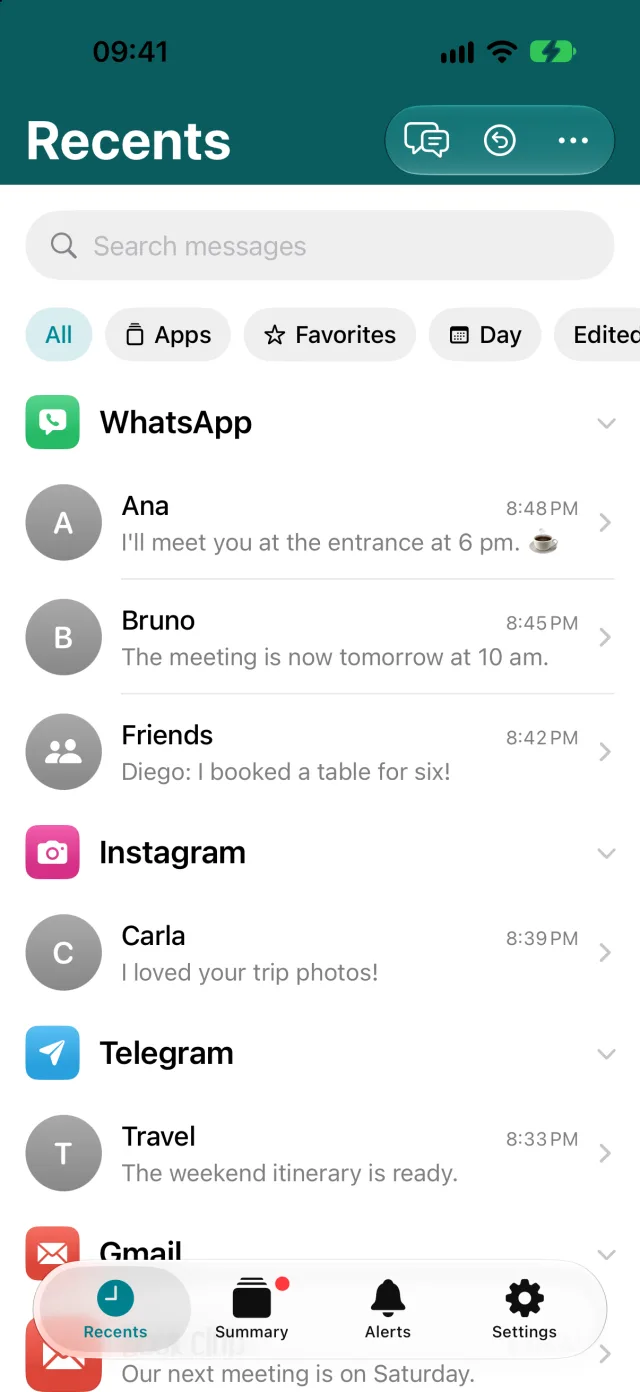
Yes. The shortcut comes with WhatsApp selected, and capture was tested with WhatsApp on an iPhone running iOS 27. NotiKeep saves the sender, group name, text, and time of every notification.
Can I see deleted WhatsApp messages?
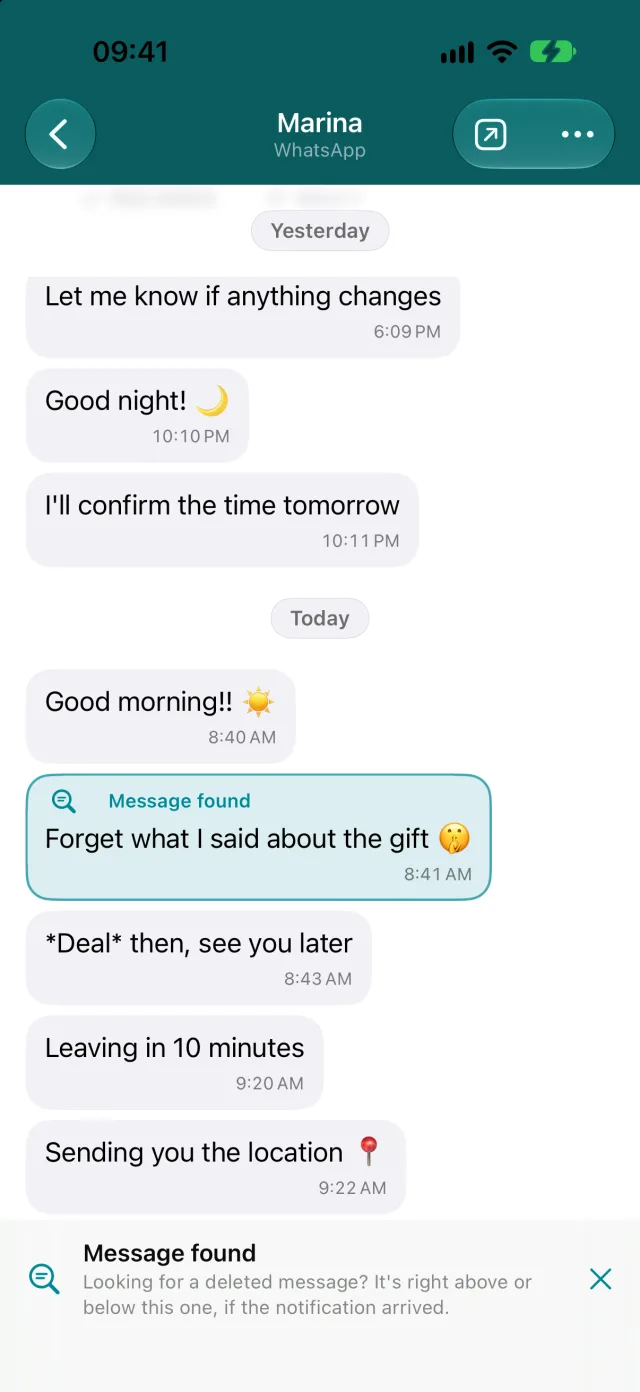
You can see the text of messages that arrived as a notification after you set up capture. If the sender deletes a message for everyone, the text stays in NotiKeep. WhatsApp doesn’t signal when a message is deleted, so you can mark it as deleted in the app yourself; the original text stays saved. Nothing that arrived before setup can be recovered.
Can I recover notifications I cleared before installing?
No. iPhone doesn’t keep a copy of the notifications you clear, and no app can bring them back. What changed in iOS 27 is that you can now keep the next ones: the Notification automation in Shortcuts passes each one to an app like NotiKeep the moment it arrives.
How do alerts work?
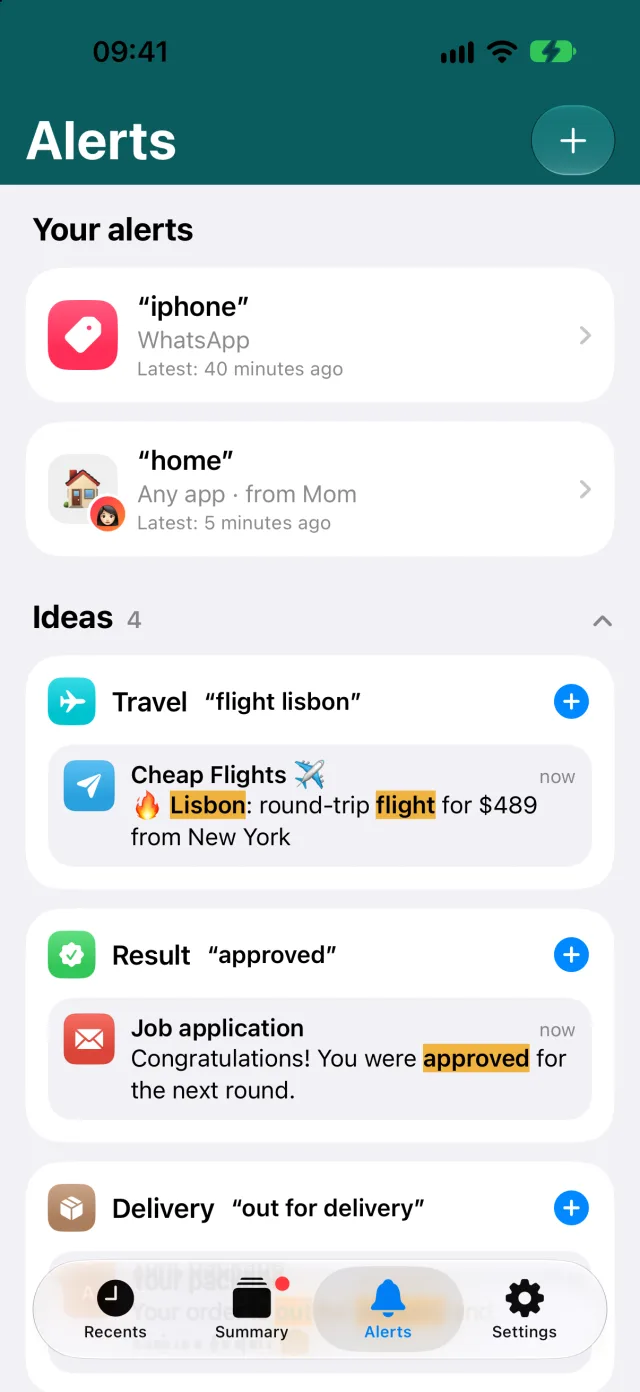
You choose a word or phrase and, if you want, an app and a sender. When a saved notification contains those words, NotiKeep alerts you right away, even in Focus. Capitalization, accents, and word order don’t matter. One alert is free; with Pro, alerts are unlimited.
Does NotiKeep show how much I spent on my card?
Yes, since version 1.7. The Purchases tab adds up what you buy with your Wallet cards: tap to pay and the purchases Wallet notifies you about. It shows the day’s total, the last 7 days, the place and the card. It stays on your iPhone. Bank transfers, bills and cards outside Wallet are left out. See the card spending guide.
What are deal alerts?
Alerts with a maximum price, for deals groups. You pick the product and the amount, and NotiKeep only alerts you when a deal is at or below that price. Tapping the alert opens the deal in the store. See the guide to deals in group chats.
Does NotiKeep show edited messages?
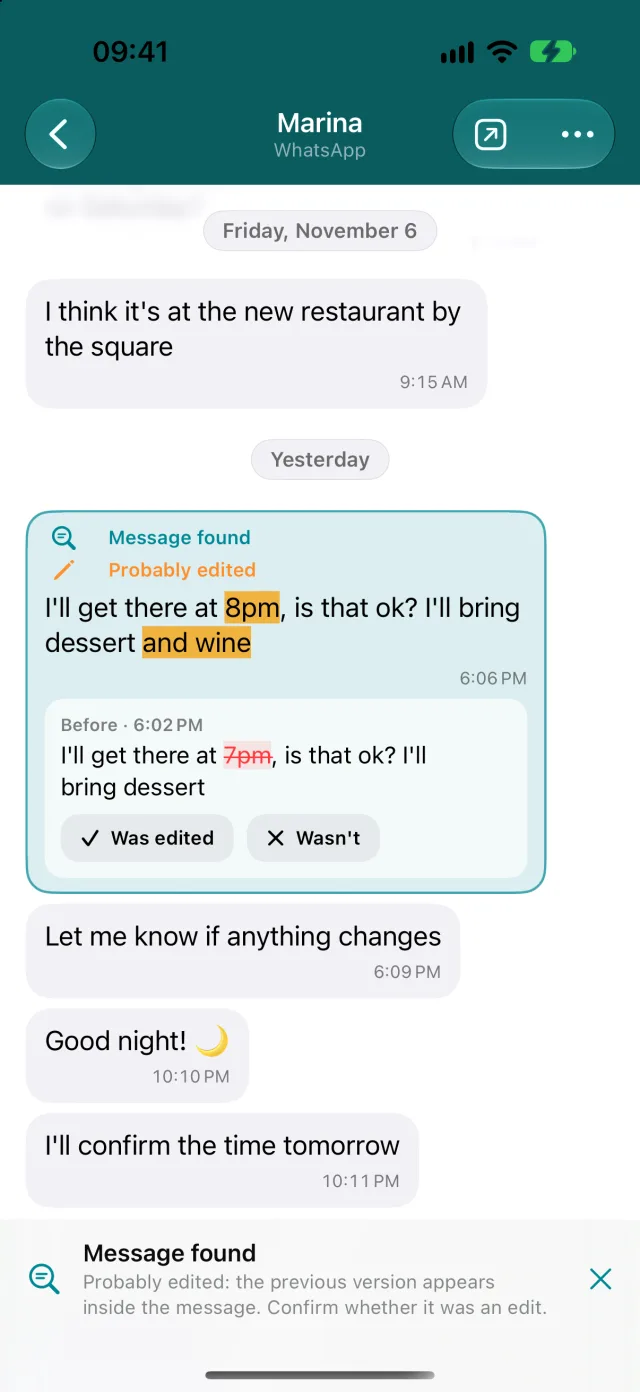
Yes, in WhatsApp. The edited version arrives as another notification, and NotiKeep joins it to the earlier one as “Probably edited,” with what changed highlighted and the earlier text struck through. You confirm or undo. Both versions need to have arrived as notifications.
Does reading in NotiKeep send blue ticks?
No. You read in NotiKeep without opening WhatsApp, so reading there doesn’t send a read receipt or show you as online. When you open the chat in WhatsApp, it marks the messages as read as usual.
Which iPhones are compatible?
Only iPhones running iOS 27 or later. NotiKeep doesn’t work on earlier versions of iOS because the notification automation doesn’t exist there. iOS 27 runs on iPhone 11 and later, iPhone SE (2nd generation) or newer, and the iPhone 12 through 17 lineups, iPhone Air, and iPhone 18 Pro. iPhone XR, XS, and earlier can’t get iOS 27.
Why does NotiKeep need iOS 27?
Because it uses the Notification automation in the Shortcuts app, which arrived in iOS 27. Before that, no iPhone app could receive another app’s notifications.
Does it work with Instagram, Telegram, and other apps?
Yes. You choose the apps in the Shortcuts trigger, and NotiKeep saves the text each app puts in its notification. The detailed tests of deleted and edited messages were done with WhatsApp.
Does NotiKeep save photos, voice messages, and videos?
No. iOS only passes the notification text to Shortcuts. Photos, videos, audio, and profile photos aren’t saved.
Do my messages go to a server?
No. Notifications stay on your iPhone only. NotiKeep has no account and no ads. If you allow it, it sends usage data (in-app actions, language, version, and a random identifier) to PostHog, never messages, names, or searches. You can turn this off in Settings › Share usage data. The one exception is optional: if you turn on Apple’s Private Cloud Compute, the text needed for Summary or Ask goes to Apple, which does not keep it.
Can I export my history?
Yes, as JSON, CSV, or PDF, with NotiKeep Pro. The file stays on your iPhone until you choose where to share it.
How much does it cost?
The download is free. On the free plan, NotiKeep saves notifications from every app you chose and lets you read one app, create one alert and see the last 7 days of purchases. NotiKeep Pro, monthly or yearly, unlocks every app and feature. The App Store shows the price in your local currency. If your subscription ends, nothing is deleted.
What is the Day summary?
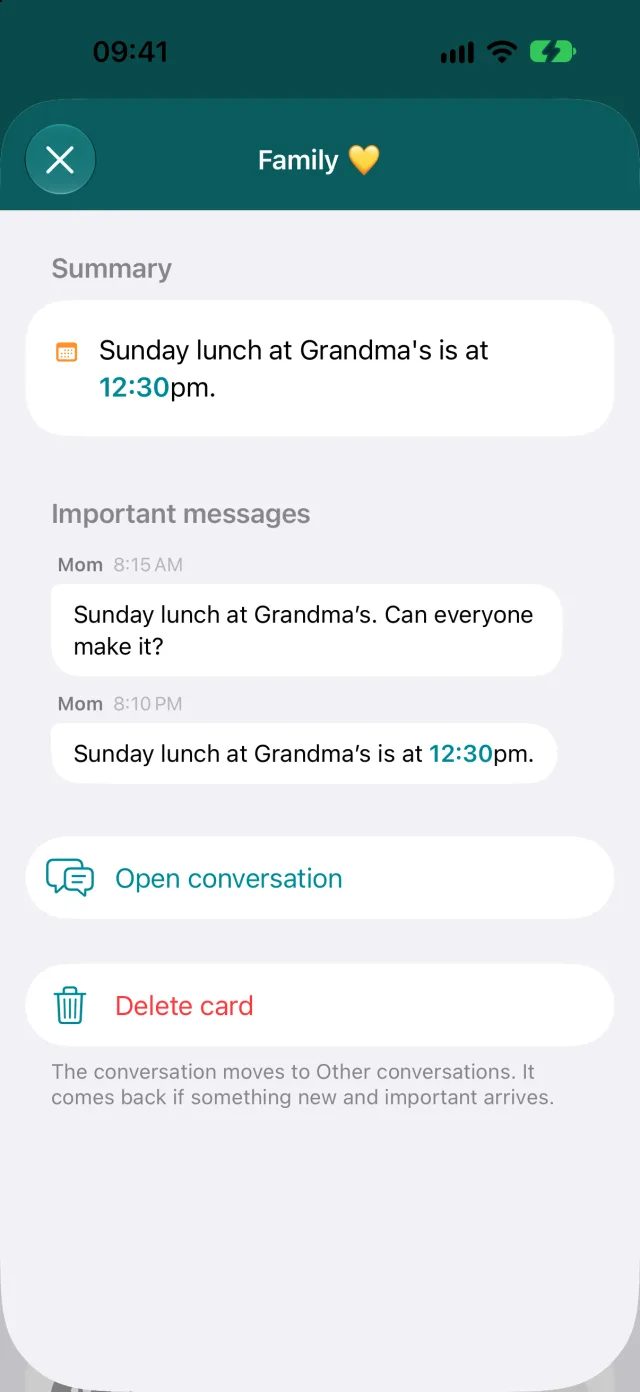
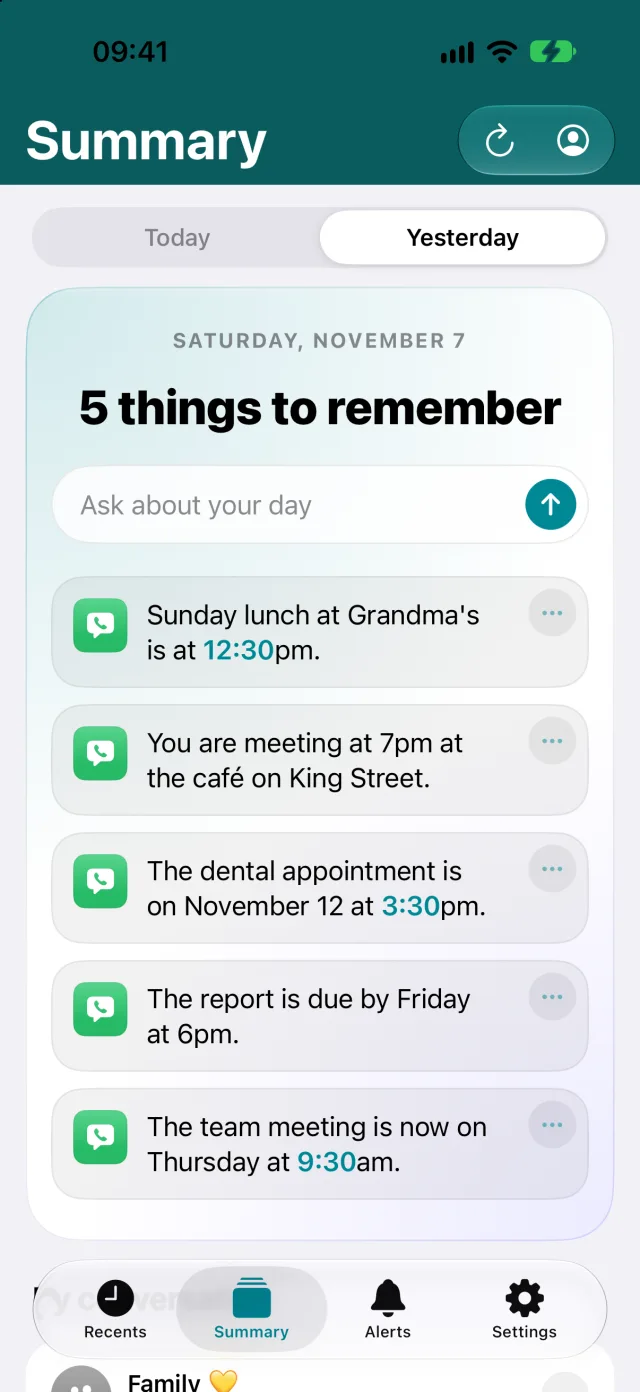
A tab that summarizes the day’s conversations: the highlights at the top and, below, what each important conversation agreed on, with one tap to add it to Calendar or Reminders. It’s made by Apple’s language model on your iPhone and works best on devices with Apple Intelligence. If you allow it, Apple’s Private Cloud Compute helps with longer conversations.
What languages is the app available in?
English, Portuguese, Spanish, German, French, Italian, and Turkish. The app follows your iPhone’s language; to change it, go to Settings › Personalization.
Is NotiKeep made by WhatsApp or Apple?
No. It’s an independent app made by Gustavo Takechi. It uses a public feature of the Shortcuts app and doesn’t access your WhatsApp account or chat history.
Is this the same NotiKeep as the Android app?
No. This NotiKeep is iPhone-only and is on the App Store as “NotiKeep: Save Notifications.” Android apps with a similar name are made by other developers.
What is Ask?
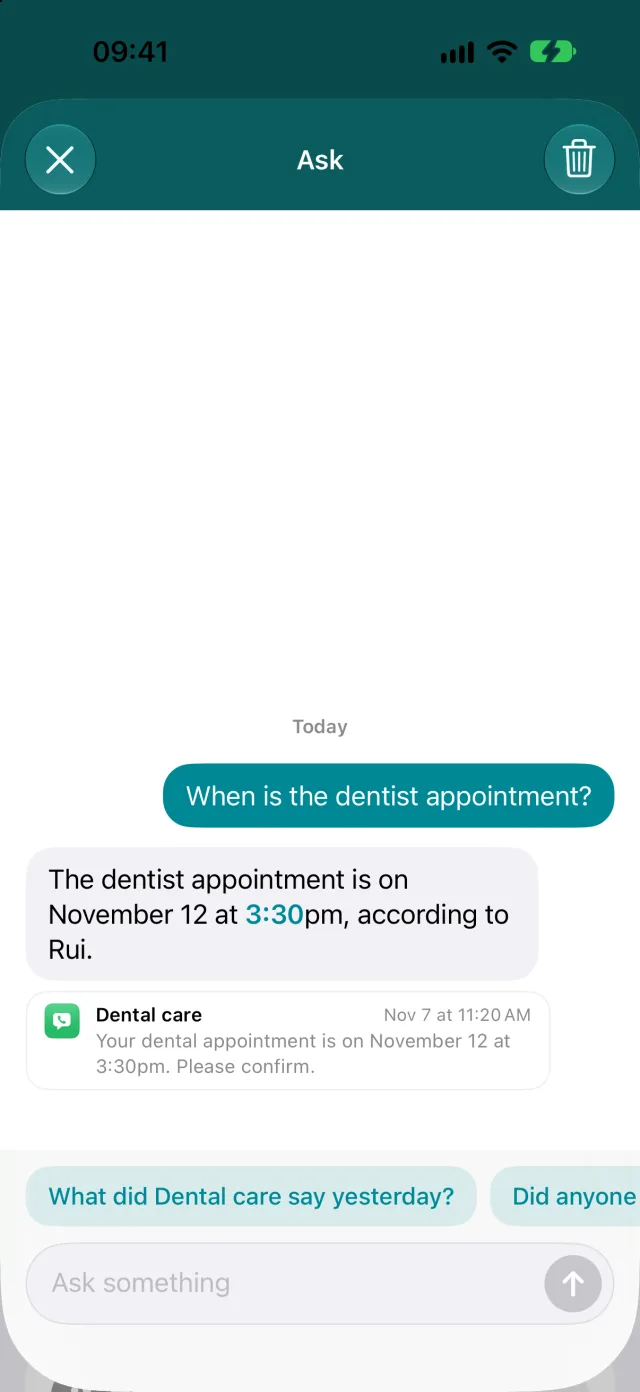
A chat about your saved notifications. Ask “Did anyone ask me for something today?” and NotiKeep searches your messages and answers, showing which conversations it used. It uses Apple’s model, on iPhone 15 Pro and later, with NotiKeep Pro. Tap Ask at the top of Recents or Summary.
Does NotiKeep have widgets?
Yes, on the Home Screen and Lock Screen: one shows the latest message that seems to have been edited, with the text before, and the other shows the highlights of today’s Summary. With the Face ID lock on, they show no text.
Why does the App Store say “Data Linked to You”?
This label does not mean we upload your conversations. Apple also considers device or installation identifiers when assessing linkage. Opt-in usage events use a random installation identifier, and RevenueCat uses another identifier to manage purchases. A random identifier is not your name, but it can associate records with the same installation, so we do not describe these records as fully anonymous. Read the label categories together with their purposes and this policy.
Can I use it without sharing usage data? What about purchases?
Yes. This permission is not required to capture notifications or use the features of your plan. Decline or turn it off in Settings › Share usage data. This stops new events and clears the local queue and identifier. Apple and RevenueCat still process the data needed for purchases and subscriptions independently: a random identifier, technical data and records of products, dates and store country. That process does not send your messages. NotiKeep does not receive your card details.